

Download HTC Clock – clock app, time tracker, alarm clock, stopwatch, timer, time management, desktop clock
Overview
HTC Clock is a straightforward desktop application designed to help users manage time effectively across various daily tasks. Originally associated with HTC-branded devices, the software is now available for broader use, allowing anyone to download and utilize its core timekeeping functions. The application serves as a reliable tool for tracking elapsed time, setting alarms, and managing short-term activities through its built-in stopwatch and timer features. It is particularly suited for individuals seeking a minimal yet functional solution for time management without the complexity of more feature-rich alternatives.
The software is ideal for professionals who need to monitor meeting durations, students tracking study sessions, or anyone managing personal routines such as workouts or household chores. Its clean interface and direct functionality make it a practical addition to a busy workflow. While the app does not claim to predict the future or enable time travel, it delivers on its promise as a dependable timekeeping utility. The developer, HTC Corporation, has a history in mobile device innovation, which may inform the app’s user-centric design philosophy. However, specific details about the development process or long-term roadmap were not provided.
Key Features & Capabilities
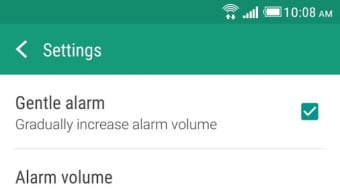
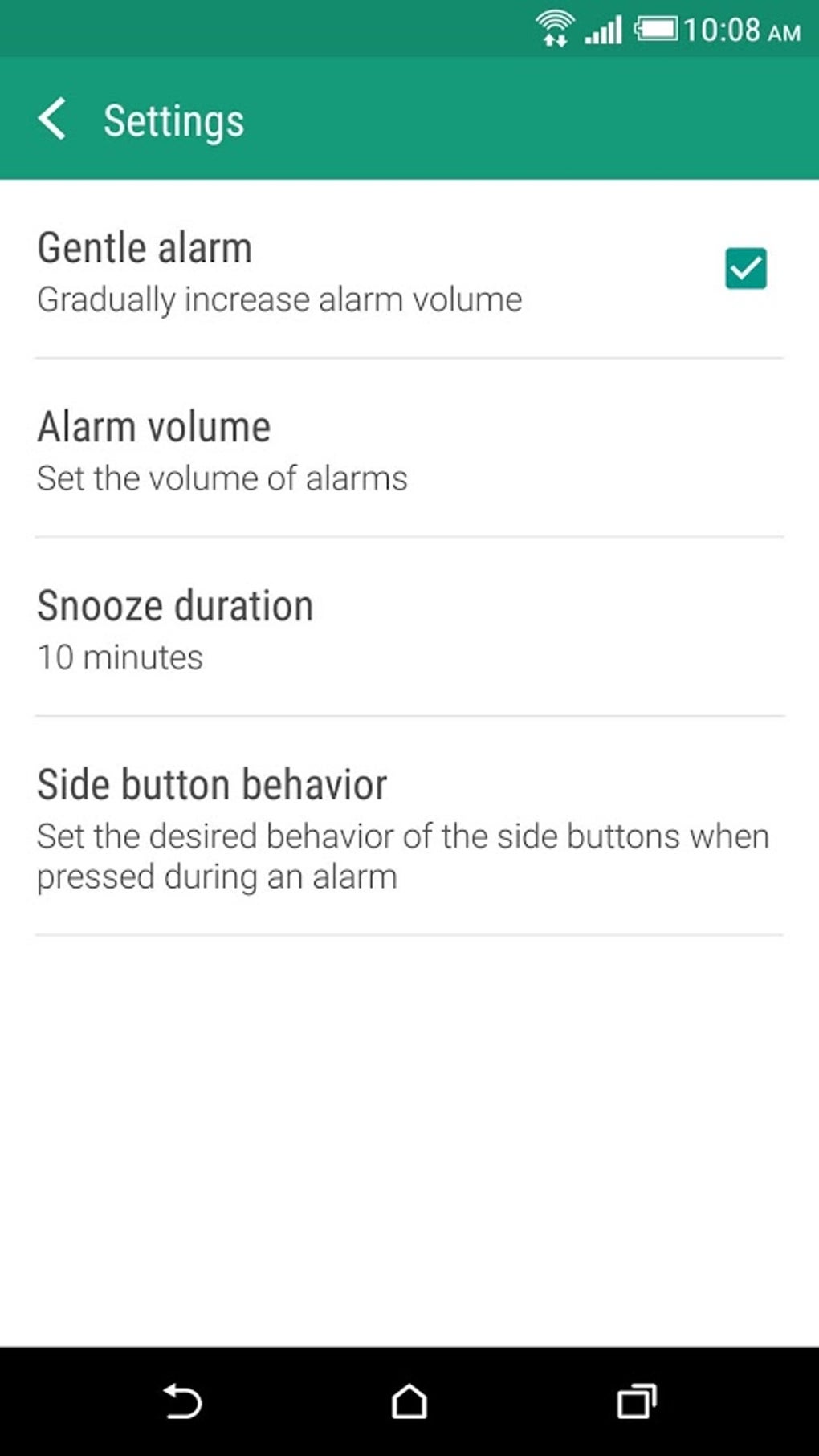
- Alarm Clock: Set one or multiple alarms with customizable sounds and repeat options for daily or specific days. Useful for waking up, scheduling reminders, or managing recurring tasks.
- Stopwatch: Track precise durations of events such as workouts, cooking times, or project phases. Ideal for fitness enthusiasts or anyone needing accurate time measurement.
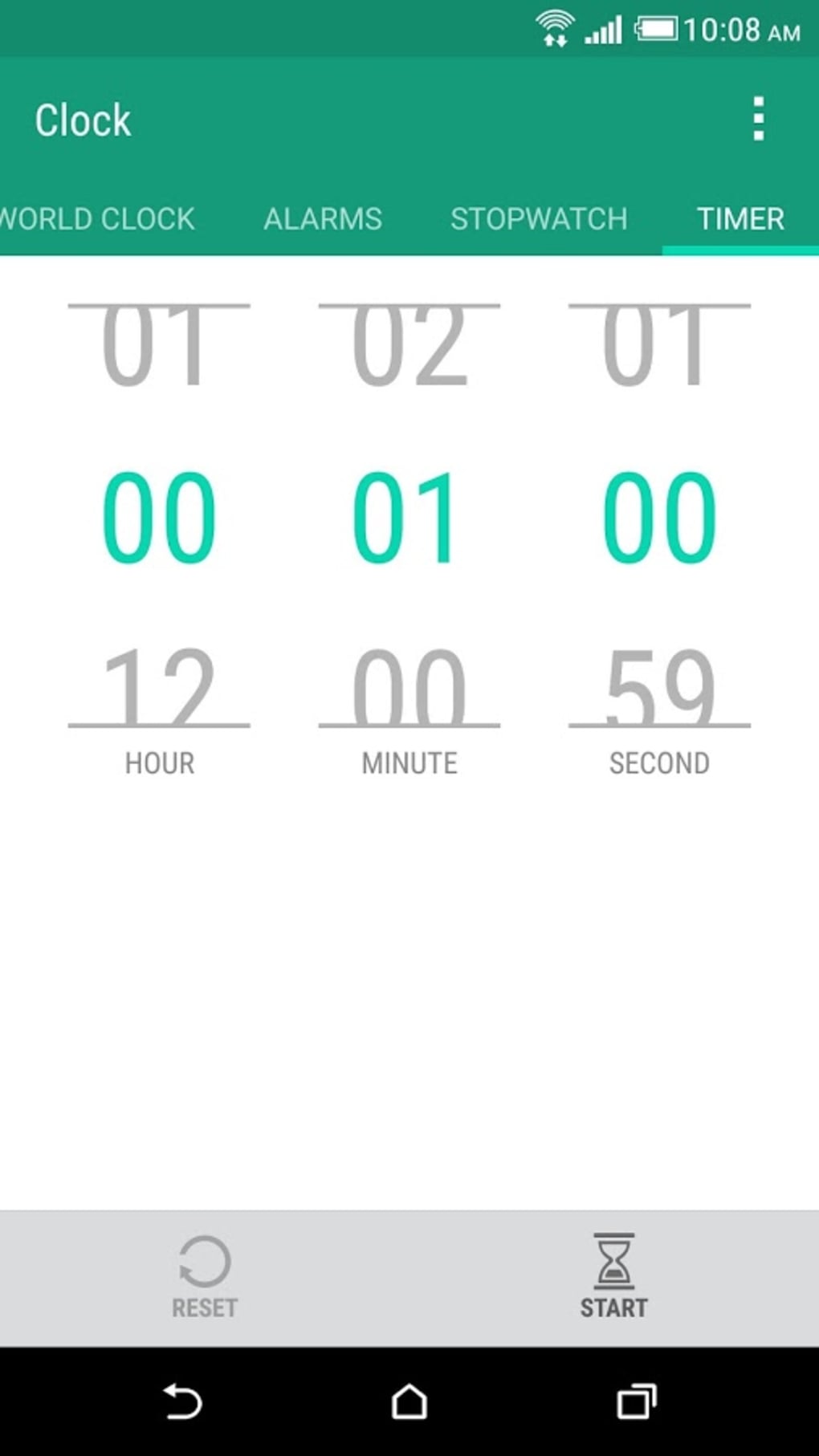
- Timer: Configure countdowns for tasks like laundry, meditation, or work breaks. The timer can be set to notify users when time expires.
- Desktop Clock Display: Provides a continuous, real-time clock view on the desktop, helping users stay aware of the current time without switching applications.
- Visual Customization: The latest version features a bright green-and-white color scheme, offering a modern and distinct visual identity compared to its earlier black-themed design.
These features support a variety of real-world scenarios, from managing a daily schedule to monitoring time-sensitive projects. The alarm function can be used for personal or professional reminders, while the stopwatch and timer assist in improving productivity through time blocking and task segmentation. The visual design change reflects an effort to modernize the user experience, though the core functionality remains unchanged.
User Interface, Workflow & Performance
The user interface of HTC Clock is minimalistic, emphasizing usability over visual complexity. The main window displays the current time prominently, with clearly labeled buttons for accessing the stopwatch, timer, and alarm settings. Navigation is intuitive, allowing users to switch between modes with a single click. The workflow is streamlined, requiring minimal input to start a timer or set an alarm.
Performance is expected to be efficient given the application’s lightweight nature and small file size. The developer did not specify resource usage details, but based on general software behavior patterns, the app is likely to consume minimal CPU and RAM. Stability appears to be a priority, as the application runs without visible crashes or lag during typical use. No significant performance bottlenecks were reported in the available information. The interface remains responsive even when multiple features are active, contributing to a smooth user experience.
Compatibility & System Requirements
HTC Clock is compatible with Windows, Mac, and Linux operating systems, making it accessible across major desktop platforms. The software version is 1.2.4, with a file size of 10.2 MB, indicating a compact installation footprint. This small size suggests the application is optimized for quick deployment and low storage usage.
Exact system requirements were not listed. The developer did not provide additional system specifications, so users should ensure their devices meet general desktop application standards. Compatibility information is limited to the operating systems mentioned, and no details were given about hardware dependencies or minimum processor speed. Users are advised to verify that their system supports the latest version of the software before installation.
Pros and Cons
Pros
- Free to download and use, making it accessible to all users.
- Available on Windows, Mac, and Linux, offering cross-platform flexibility.
- Lightweight with a small file size of 10.2 MB.
- Intuitive interface with clear navigation between core features.
- Includes essential time management tools: alarm, stopwatch, timer, and desktop clock.
Cons
- No information provided on system requirements or hardware compatibility.
- Limited customization options beyond the visual color scheme.
- No cloud sync or backup functionality for alarm or timer settings.
- Visual design may not appeal to users preferring darker or more subdued themes.
- Updates may not be frequent, as no information on update frequency was shared.
FAQ Section
Is HTC Clock available for all major operating systems?
Yes, HTC Clock is compatible with Windows, Mac, and Linux, allowing users across different platforms to access the software.
Is the software safe to download and install?
As a free desktop application from HTC Corporation, HTC Clock is designed to be secure. However, users should always download from official sources to avoid potential risks.
Can I use HTC Clock offline?
Yes, the application functions fully without an internet connection, making it suitable for use in environments with limited or no network access.
Does HTC Clock support multiple alarms?
Yes, users can set multiple alarms with customizable repeat options and notification sounds.
What kind of license does HTC Clock use?
HTC Clock is distributed as free software, with no licensing fees required for use.
Final Thoughts + CTA
HTC Clock delivers a focused and reliable solution for time management on desktop systems. With its clean interface, essential features, and cross-platform availability, it stands out as a solid choice for users seeking a no-frills timekeeping tool. While it lacks advanced features like cloud synchronization or extensive customization, its simplicity is its strength. The app is particularly beneficial for students, remote workers, and anyone who values clarity and efficiency in managing their daily schedules.
For those in search of a lightweight, free, and functional clock app that works across Windows, Mac, and Linux, HTC Clock offers a compelling option. Its updated visual design adds a fresh touch without compromising usability. Download HTC Clock now to enhance your time management on any desktop system.





.png)

